
Every team outgrows its first task list — usually the week the work gets complicated. One progress bar can't tell you where a job really stands, and one layer of subtasks can't hold a real project.
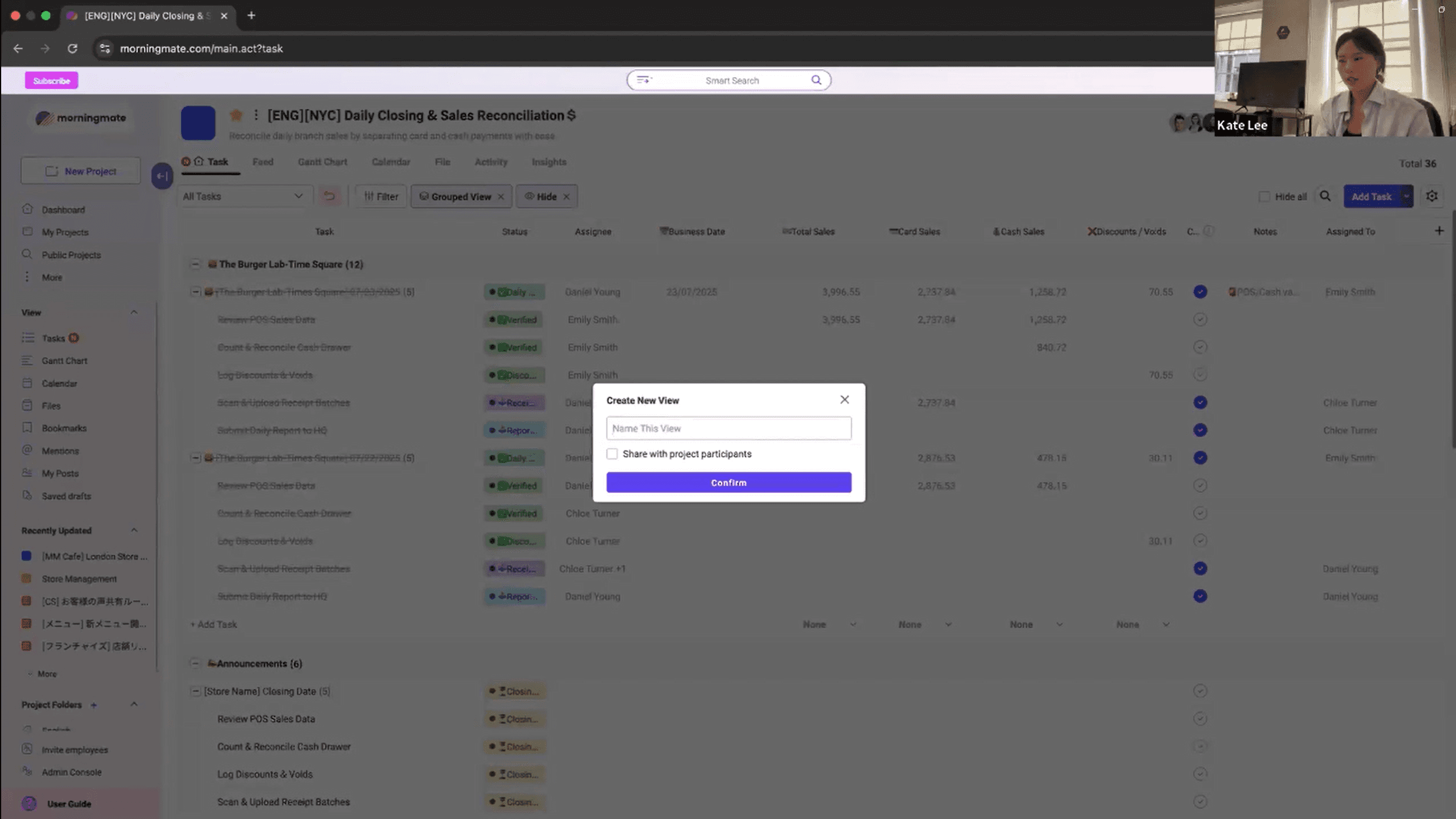
This session walks through Task Board 2.0, live in a real workspace: custom fields that track what actually matters to your team, progress statuses you define yourself, and subtasks that go as deep as the work does.
When
Time
Watch anytime
Runs for
31 minutes
Where
Virtual
Price
Free
Seats are limited to 300
Half presentation, half live screen. It does not end as a slide deck.

SESSION 01
Where the old task board hit its limits — and what teams told us they needed to track that a single status bar couldn't hold.

SESSION 02
The three big changes: custom fields, progress statuses you define yourself, and multi-depth subtasks.
SESSION 03
A real project rebuilt live with the new board — setting up fields, renaming statuses, and breaking a big job into layers of subtasks.

SESSION 04
The questions teams asked first: what happens to existing boards, whether old statuses carry over, and where to find the new settings.

Regional Manager, morningmate UK
Your work never fit in three status columns —
now the board fits the work
If this sounds familiar
"I want to customize my own workflow in Table view"
"I want to create my own progress statuses"
"I want to add custom fields for numbers or a quick memo"
"I want to break down my tasks into smaller steps"
What you get for attending
Learn the story behind this update
A live demo of how to use our new features
Full recording
All your questions, answered