Project Management
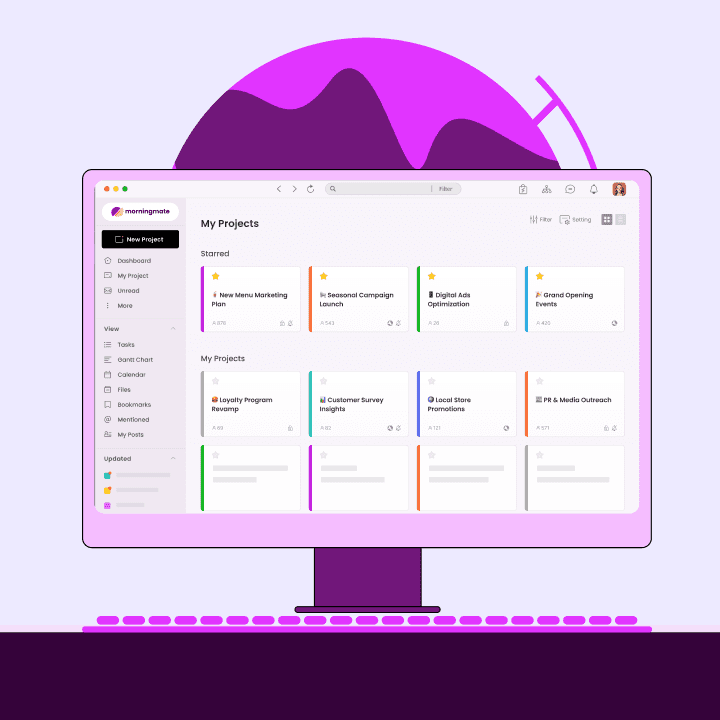
Informational Technology (IT) service departments for a lot of organisation’s are a central team today as their work involvement reaches almost all aspects of the company’s operations ranging from sales, to marketing, and even as far as finances and HR. The more technology advances and is implemented in the workplace, IT influence expands further, making them more and more needed as the expectations on them gets higher. A way to ensure to not get the IT team too far behind with all the constant work that is getting piled up, it’s important to have the right tools and workflow to improve efficiency and optimise the management of incoming work and requests.
In this article, we’ll be exploring:
What is service request management
Incident management vs. service request management
What is a service request process management workflow
Tips on how workflow tools help improve service request management
😎What is service request management?
IT teams are constantly receiving a wide range of requests, such as platform accesses, password resets and verifications, software licenses, and new hardware implementation among other things. All the tasks we have just mentioned are often recurring service requests, thus, a well optimised and efficient IT team will have a workflow to follow for these reiterating processes. Although service request management is related to practices such as incident, problem, and change management, it is distinct from these processes as it only involves a user submitting a request for something new, such as access to a service, a new phone, or restricted information.
⭐Incident management vs. Service request management
A frequent doubt a lot of people have about service request management is how it relates to the core IT practices such as incident, problem, and change management. To better understand this, we have defined each before we compare them and get into details about their distinctions:
Service request: Tasks that are formally requested by users that need to be provided with something new.
Incident: A casualty or emergency that interrupts the workflow process and reduces quality of service.
Problem: An identified recurring issue that could be causing preventable incidents.
Change: Editing something IT related whether it is to add, modify, or remove/
Simply put, the difference between service requests from incidents is that they are formal tasks of reiterative procedures for new requests needed. This is why service requests should be a separate workflow structure as it doesn’t need the flexibilities that other core IT practices do.
🫰What is a service request process management workflow?
Although there are many ways to tackle service requests, regardless of your process, it is important that you strive for standardisation and optimisation of all steps required to deliver service quality on time and efficiently. Here is an example of a simple service request process workflow scheme that you can adopt to get started:
🌅Tips on how workflow tools help improve service request management
Trying to do and keep this workflow manually would be almost impossible to follow with all the service tickets being requested constantly. That’s why project management collaboration tools not only help digitising your workflow but also offer a repetitive system that helps to easily implement processes and maintain them standardised. Here are some tips on how Morningmate collaboration software can improve your service request management workflow by using their task management and productivity tools:
Let’s say you have set up a project board with your IT team where you will only receive service requests.
1. Input your service request
With Morningmate’s task manager, you can simply make a task post with your service request and a deadline if required along any files you need to attach.
2. Check for approvals and assign tasks
The IT team then accesses the request and either assigns the request for approval if needed or to the corresponding team member that will be handling the request.
3. Work on request and update progress status
As the corresponding team member works on the request, they can add more subtasks and team members as needed and update their progress on the work status bar.
4. Request for feedback and close ticket
Once the request is completed, the IT team can change the status to either feedback if needed or complete to continue closing the ticket and finalising the service request.
Bottom line:
Having a well set out service request management workflow will give your IT team the time and resources to focus on more important matters for the growth of your organisation without leaving behind the support other teams and customers need. That's why it’s important to invest on flexible and agile software tools like MORNINGMATE that can help your team streamline their workflow and truly have a platform that doesn’t become an extra step in their process and adapts easily to their needs.
Ready to take control? Try Morningmate for free today!